Software Applications

LYNX | Centraal

yellobrik

greenMachine

Series | 5000

All-in-one configuration, control and monitoring solution for LYNX Technik products

  • Setup and Monitor yellobrik, greenMachine, and Series 5000 devices
  • Manage user privileges on networked devices.
  • Custom controls for quick access to important settings.

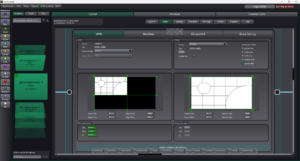
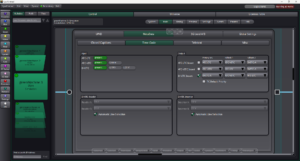
LynxCentraal combines and refines features from yelloGUI, greenGUI and APPolo Control into a single package offering automation, error handling, custom controls and user management. The redundancy management engine synchronizes account information, custom settings and data between all workstations in the LYNX universe.
Download the latest version of LynxCentraal:

Offline firmware database: LYNX Offline Database 2026-10-27

LynxCentraal v2.1.0 Release Notes:
  • Added Support for new devices CDE 1923, PVD 5440-DO
  • PVD 1400: New V-Flip feature (v1360 and above).
  • PVD 1800: Added GPI status parameters (v1344 and above).
  • CDH 1411: New time-code position and time-code size overlay controls (v1360 and above).
  • CHD 1812: New parameters to control field order when converting progressive HDMI inputs to interlaced SDI outputs. (v947 and above).
  • CDE 1922, CHD1412, PDM 1484, PDM 5×48: improved audio signal path visualization.
  • Added support for additional SFP modules.
  • Fixed issue with Dolby Framesync channel selection in some older Series 5000 cards.
  • Improved performance of the update panel.

See full release notes history

yelloGUI

yellobrik

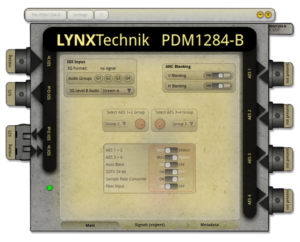
The YelloGUI software application provides access to internal yellobrik settings and controls. It keeps connected devices up to date with the latest features using either the LYNX Online or Offline Firmware Database.
Download the latest version of yelloGUI:

Windows: yelloGUI 4.1.0

yelloGUI v4.1.0 Release Notes:

Device-Specific Improvements:

  • Added Support for new devices CDE 1923
  • PVD 1400: New V-Flip feature (v1360 and above).
  • PVD 1800: Added GPI status parameters (v1344 and above).
  • CDH 1411: New time-code position and time-code size overlay controls (v1360 and above).
  • CHD 1812: New parameters to control field order when converting progressive HDMI inputs to interlaced SDI outputs (v947 and above).

Improvements in yelloGUI Functionality:

  • Added support for additional SFP modules.
  • Improved audio signal path visualization.
  • Improved Lynx server access when checking for firmware updates.

See full release notes history

APPolo Control Server

yellobrik

Series | 5000

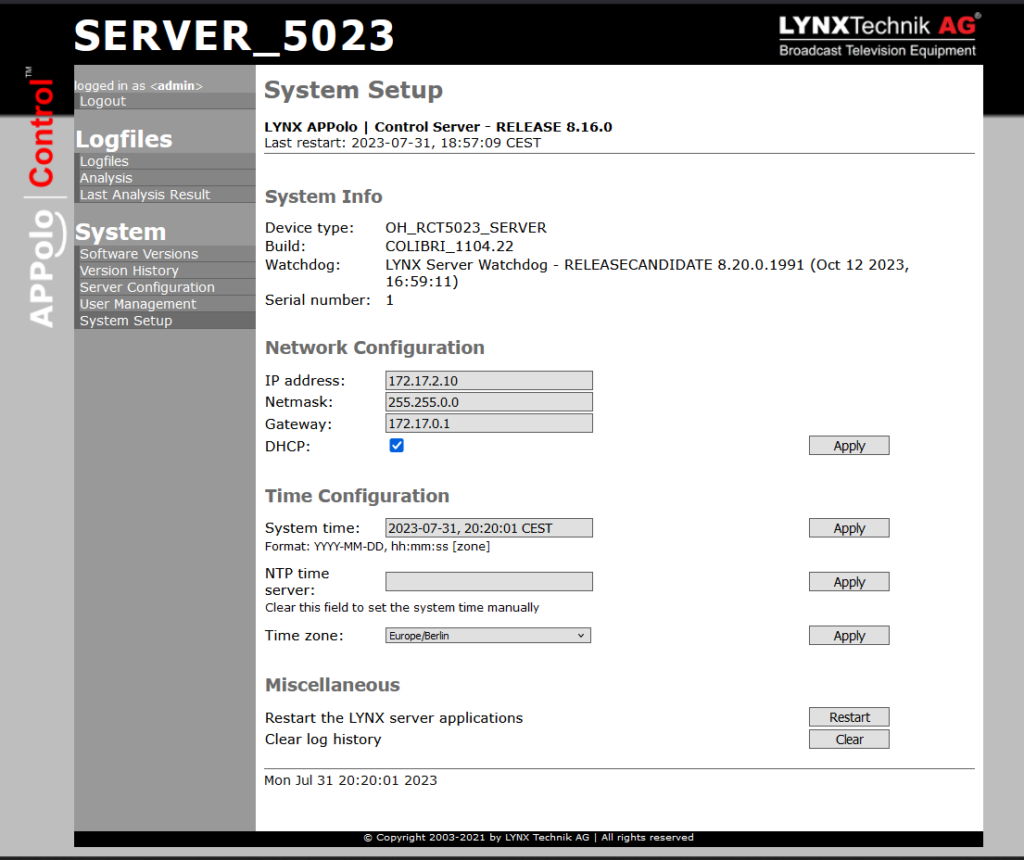
The APPolo Server enhances the feature set provided by Lynx Centraal to better monitor and manage large deployment of Serie 5000 and yellobrik.
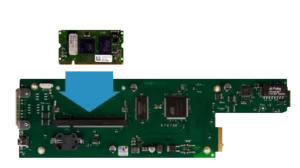
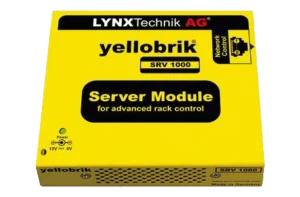
Add a server module to any RCT 5023-G controller to manage your entire fleet of Series 5000 rack frames and cards. Likewise, a yellobrik SRV 1000 Server Module will enable better management and control of all yellobrik devices across racks and networks.
The APPolo Server add supports for Backup/Restore, SNMP Traps and Get/Set, Remote Control, User Access Control, Custom Controls and Cluster of Redundant Servers.
Download the latest version of the APPolo Control Server:

Install via Firefox, Edge, Chrome: APPoloControlServer 9.5.0

MIBs archive for APPolo Control: APPoloControlServer 9.5.0 MIBs

APPolo Control Server v9.5.0 Release Notes:

Compatible with LynxCentraal 2.1.0 and above

  • Added Support for new devices CDE 1923, PVD 5440-DO
  • PVD 1400: New V-Flip feature (v1360 and above).
  • PVD 1800: Added GPI status parameters (v1344 and above).
  • CDH 1411: New time-code position and time-code size overlay controls (v1360 and above).
  • CHD 1812: New parameters to control field order when converting progressive HDMI inputs to interlaced SDI outputs (v947 and above).

Improvements in APPolo Server Functionality:

  • Added support for additional SFP modules.

Improvements in Server functionality for Colibri iMX6 platform:

  • Security update for PHP

See full release notes history